

How to Make Your Canva Slides Look On-Brand
If you have ever opened a Canva presentation template and thought it looked like every other slide deck out there, you are not wrong. But it does not have to stay that way.
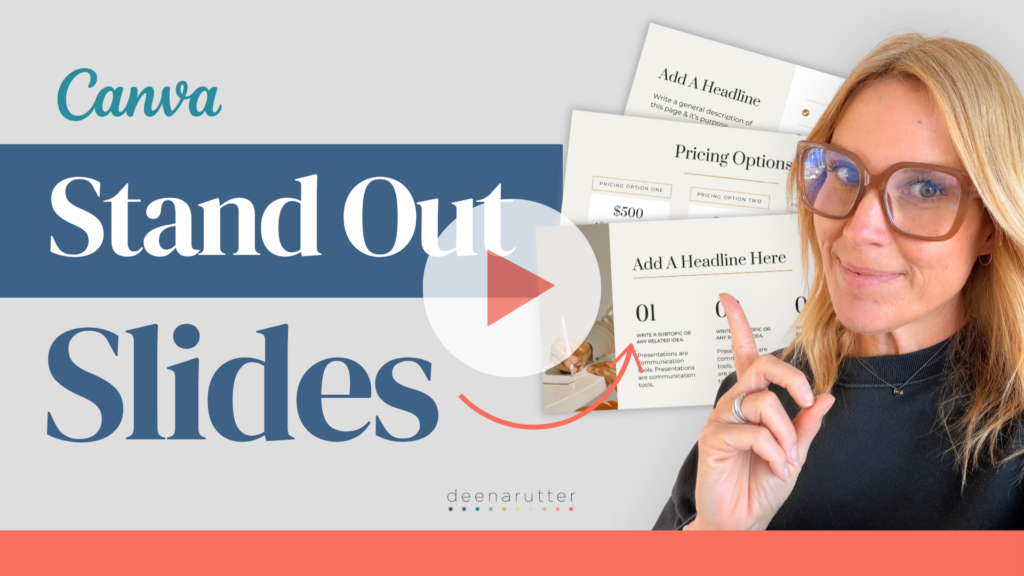
In this tutorial, I show you a few simple steps to take any Canva presentation template and make it feel completely on-brand.
Here is what you will learn:
- Find a template that fits your style and customize it with your brand kit colors and fonts
- Swap out stock photos for images that actually match your brand
- Clean up and simplify slides so they do not feel cluttered or generic
- Save it as a reusable template so you are not starting from scratch every time
- Export it correctly whether you need a PDF or a PowerPoint file
Once you build this once, every future presentation starts from a place that already looks like you.
Watch Now (4 minutes) How to Make a Canva Presentation Look Like Your Brand
One More Thing: Your Instagram Brand Should Match Everywhere
You know that feeling when your posts look great but your Stories and Reels look like a completely different brand? That disconnect is more noticeable than you think, and it is an easy fix.
If you already have my free post templates, you have a strong foundation. I also have 20 Story and Reel cover templates built to match them exactly. Same clean, minimal style. Just open Canva, swap your text and colors, and you are done.
A cohesive brand is one of the things that makes businesses look credible online. It is a small investment that pays off every time someone lands on your profile.
Pick one of these tutorials to try this week and notice how much more pulled-together your brand feels.
Happy Creating,
Deena