
If you’ve ever opened Canva, clicked around for a minute, and thought, “Okay… where did my starred templates go this time?” — you’re not alone. Canva has shifted this feature a few times over the past year, and every time it moves, it throws off your flow.
The good news? It’s still there, it’s still useful, and once you know where to look, it makes your whole creative process faster and a lot smoother.
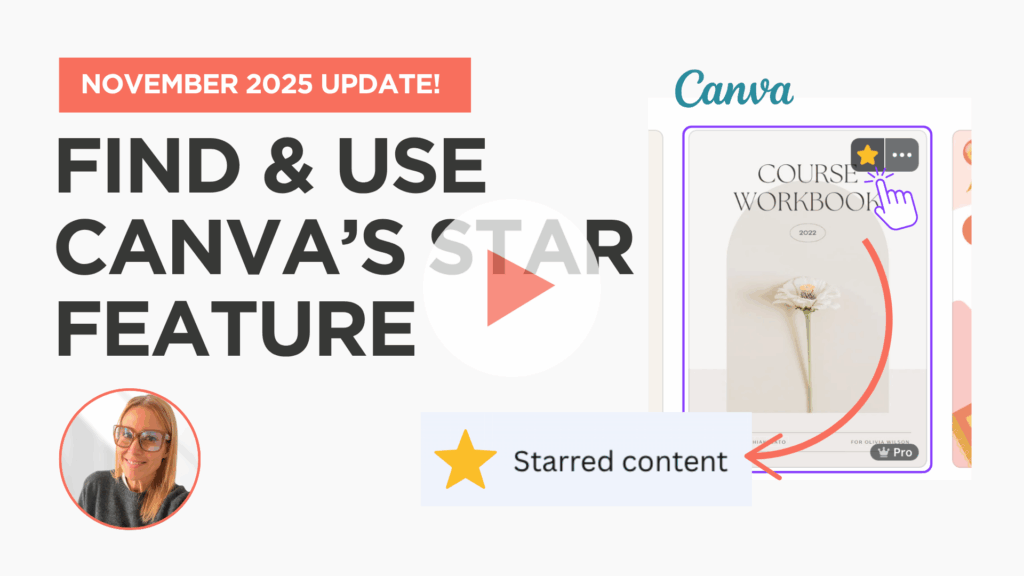
This week I recorded a quick, one-minute tutorial to show you exactly where the Starred folder lives as of November 2025 and how to start using it as a useful tool for your brand.
Why the Starred Folder Matters (Even if You Don’t Use It Yet)
Most small business owners don’t have time to go digging through their Canva dashboard. You open Canva because you need something now — a social post, a worksheet, a slide, a quick graphic for a client.
The Starred folder is one of those tiny features that quietly speeds everything up. You can use it to save:
- Your favorite templates
- Reusable elements
- Icons you reach for often
- Brand shapes or layouts
- Anything you want to use again
Instead of searching for the same template again and again, you can open your starred items and drop things straight into your project. It feels small, but these little time-savers add up.
What You’ll Learn in This Short Tutorial
In this week’s quick update, I show you:
- Two ways to find your Starred folder in Canva
- How to open and use your starred templates and elements
- How to drag starred items straight into your design and resize them
Watch Now (1 minute) How to Find Canva’s Star Feature
A Few Extra Tips to Make Starred Items Work Harder for You
- Star your everyday templates – Save the pieces you reach for all the time: social posts, client forms, worksheets, welcome packet pages, or anything you remake often. Starring them keeps your workflow quick and consistent.
- Save branded pieces – If you use the same shapes, text boxes, colors, or layout styles across your content, star one version of each. This gives you a small collection of go-to brand elements you can reuse anytime.
- Use stars to test a new look – Trying out a new aesthetic? Star the pieces you’re experimenting with so you can access them easily without mixing them into your main brand kit.
- Clean it out once a month – Un-star anything you’re not using anymore. A quick refresh keeps your Starred folder neat and easy to navigate.
Once you know where Canva keeps these items, designing feels lighter. No more guessing and no more digging. You get quick access to the pieces you use most.
Give it a try this week and see how much smoother your next project feels.
See you in the next one,
Deena